
SmartOne IPTV is a multi-platform media player application that requires a one-time lifetime activation fee of €12.99 or a yearly fee of €2.50 after a 14-day free trial. It does not include built-in content, meaning users must upload their own M3U playlists or Xtream Codes API credentials via the SmartOne web portal using their device’s MAC address.
Key Takeaways
- No Included Content: SmartOne IPTV is strictly a player; an active subscription from a third-party IPTV provider is required.
- Broad Compatibility: Native applications are available for Samsung Tizen, LG webOS, Android TV, and Fire OS.
- Cost: Generous 14-day free trial, followed by €2.50/year or €12.99/lifetime per device.
- Advanced EPG: Flawless XMLTV parsing for a traditional, cable-like TV guide experience.
- Setup Method: Remote playlist management via MAC address on the SmartOne official portal.
Introduction to SmartOne IPTV in 2026
As the digital broadcasting landscape continues to expand in 2026, finding a reliable, fast, and visually appealing media player is crucial for anyone looking to cut the cord. While legacy applications have dominated the space for years, newer platforms are stepping up to offer more refined, user-centric experiences. SmartOne IPTV has rapidly emerged as one of the top contenders in this highly competitive market.
For users who want a high-end feel without the technical headaches, SmartOne IPTV bridges the gap between advanced streaming features and everyday simplicity. It is essential to reiterate a fundamental rule of IPTV players: SmartOne IPTV does not host, distribute, or sell any media content. It functions purely as a digital canvas. To watch live sports, news, or movies, you must possess an active subscription from a provider. If you are still looking for a reliable provider, check out our guide on Choosing the Best IPTV Service in the UK (2026) to ensure you get a high-quality M3U link.
In this comprehensive guide, we will explore exactly why SmartOne IPTV is capturing the attention of the streaming community, break down its core features, and provide a step-by-step tutorial on how to install and configure it on your preferred devices.
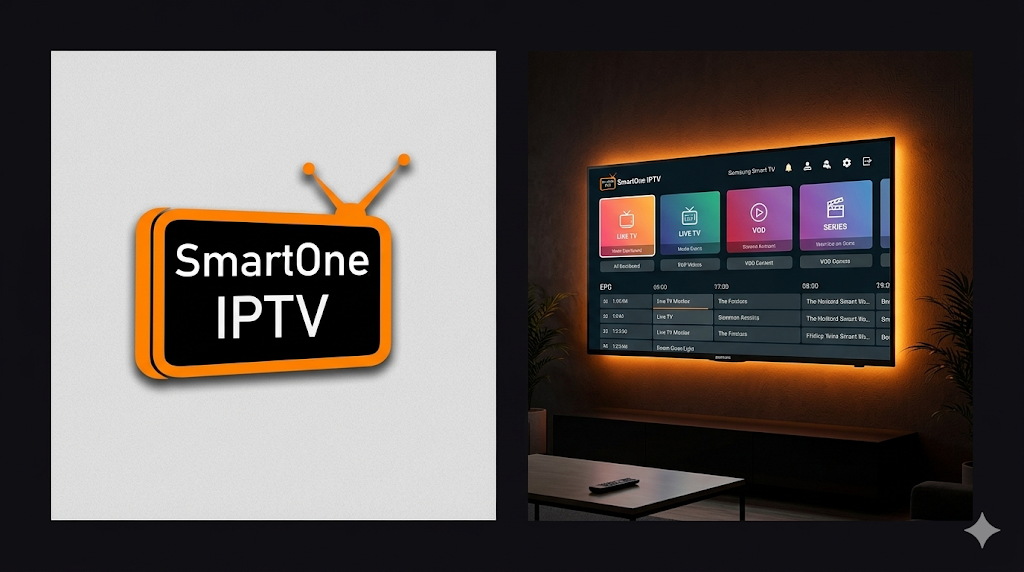
Key Features That Set SmartOne IPTV Apart
The IPTV player market is incredibly saturated. To stand out against titans like IPTV Smarters Pro, an application must offer significant advantages in both aesthetics and backend performance.
- Multi-Device Compatibility: SmartOne is available across a massive range of ecosystems. It natively supports Samsung Smart TVs (Tizen OS), LG Smart TVs (webOS), Android TV, Android smartphones, and set-top boxes.
- Advanced EPG (Electronic Program Guide): A high-quality TV guide is essential. SmartOne handles XMLTV and EPG data flawlessly, allowing you to browse current and upcoming shows with a layout that mirrors traditional cable boxes.
- VOD and Series Organization: Unlike basic players that dump all content into a single list, SmartOne categorizes Movies and TV Series brilliantly. It pulls meta-data from databases like IMDb, displaying movie posters, ratings, cast information, and plot summaries.
- Multi-Language Support: The application is built for a global audience, offering full menu translations in English, French, Spanish, Arabic, Italian, and more.
- Catch-Up TV Integration: If your provider offers “Catch-up” functionality (the ability to watch live broadcasts from the past few days), SmartOne integrates this directly into its EPG interface.
- Buffer Optimization: The internal player is highly optimized for 4K and Full-HD streams. If you still experience stuttering, the issue is likely network-related. You can troubleshoot this using our breakdown on The Real Reason Your IPTV Buffers During Live Sports (And How to Fix It).
Pricing Structure and The 14-Day Free Trial
SmartOne IPTV operates on a highly transparent, user-friendly pricing model that rivals older players like Smart IPTV (SIPTV).
Upon initial download and installation, every user is granted a 14-day free trial. This is notably longer than the industry standard of 7 days, giving you ample time to test the app’s stability, load times, and interface on your specific hardware.
Once the 14-day trial concludes, the app requires activation. SmartOne offers two flexible payment paths tied directly to your device’s MAC address:
- Yearly License: A recurring payment of approximately €2.50 per year.
- Lifetime License: A one-time payment of approximately €12.99 for the lifetime of that specific device.
Note: Payments are processed securely through the Official SmartOne IPTV Activation Portal. There are absolutely no hidden fees or monthly charges associated with the application itself.
How to Install SmartOne IPTV
Because SmartOne is a verified, content-free application, it is available directly on the official app stores for most major television brands, eliminating the need for complex sideloading.
1. Installing on Samsung Smart TVs
Samsung users often struggle to find good IPTV apps due to Tizen OS restrictions, but SmartOne is fully supported.
- Press the Home button on your Samsung remote.
- Navigate to the Apps section.
- Select the Search icon (magnifying glass) and type “SmartOne IPTV”.
- Select the app from the results and click Install.
- Once opened, the screen will display your device’s MAC address. Write this down.
2. Installing on LG Smart TVs
- Press the Home button on your LG remote and open the LG Content Store.
- Navigate to the Search icon and type “SmartOne IPTV”.
- Click on the app and select Install.
- Launch the app to locate your MAC address.
3. Installing on Android TV and Firestick
For Android TV, you can find the app directly in the Google Play Store.
For Amazon Firestick, you may need to sideload it using the Downloader app:
- Ensure Install Unknown Apps is enabled in your Fire TV Developer Options.
- Open the Downloader app.
- Enter the official APK link provided by the SmartOne website.
- Download, install, and open the app to retrieve your MAC address.
How to Upload Your Playlist to SmartOne IPTV
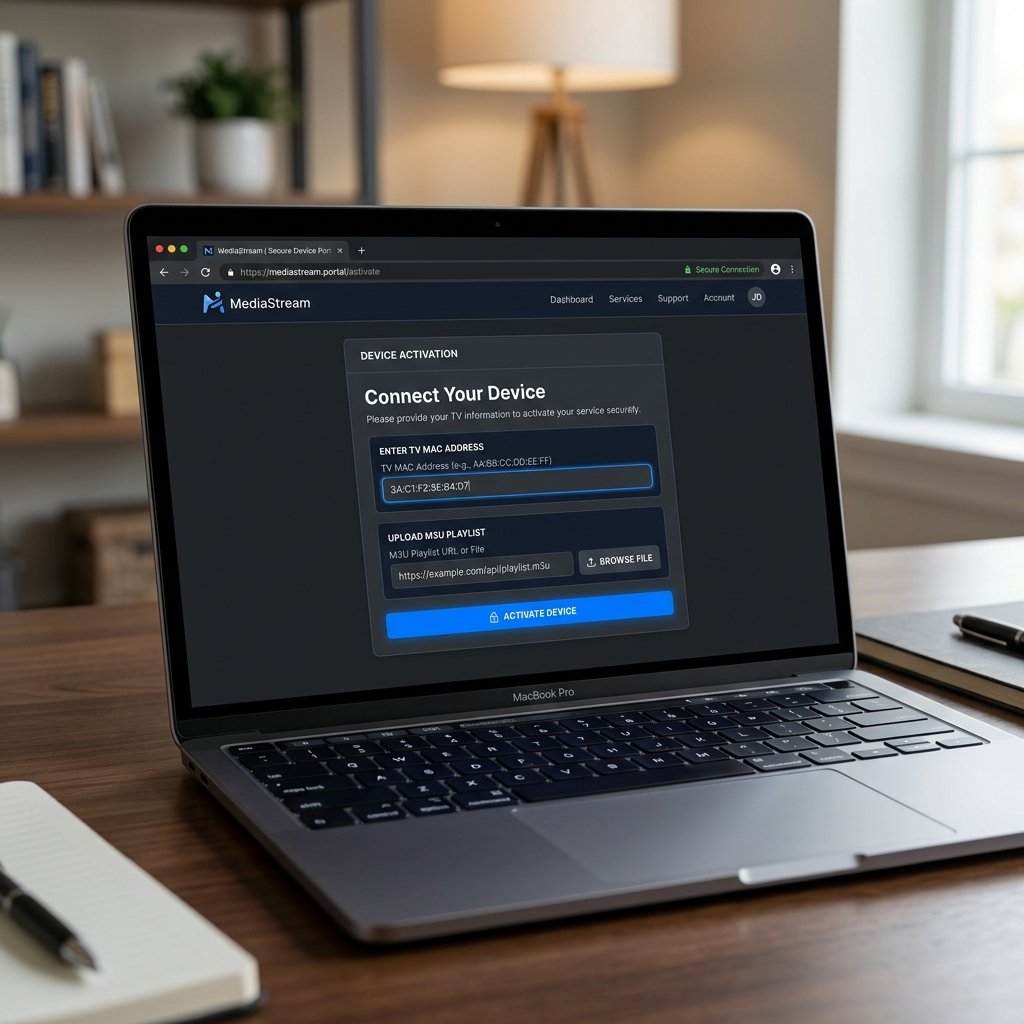
Like all MAC-based IPTV players, you cannot add your channels directly through the TV interface. You must push the data to your TV using a secondary device like a smartphone or laptop.
- Open a web browser and navigate to the official portal: smartone-iptv.com/plugin/smart_one/main_generate.
- Enter the MAC Address exactly as it appears on your TV screen.
- Choose your upload method. Xtream Codes API is highly recommended for faster loading and better VOD organization, though M3U Playlist URLs are also supported.
- Provide a Playlist Name (e.g., “Living Room TV”).
- Paste your M3U link or enter your Xtream API details (Server URL, Username, Password).
- Complete the captcha security check and click Generate/Submit.
- Return to your television, restart the SmartOne IPTV app, and your media library will begin to populate.
Conclusion
If you are tired of clunky, outdated interfaces and want a streaming experience that feels like a premium, modern VOD platform, SmartOne IPTV is one of the best investments you can make in 2026. Its native support for major Smart TV brands eliminates the need for complex sideloading, and the 14-day trial ensures zero risk. Pair it with a high-quality IPTV provider, and you will have a world-class entertainment hub right in your living room.
Frequently Asked Questions (FAQ)
Is SmartOne IPTV free?
SmartOne IPTV offers a 14-day free trial. After the trial expires, you must pay an activation fee of €2.50 per year or a one-time lifetime fee of €12.99 per device.
Does SmartOne IPTV include live channels?
No, SmartOne IPTV is strictly a media player application. It does not include any live channels, movies, or TV series. You must provide your own M3U playlist or Xtream Codes API from a third-party IPTV provider.
Why is SmartOne IPTV not loading my M3U playlist?
If your playlist is not loading, ensure that you entered your MAC address correctly on the SmartOne web portal. Additionally, check if your M3U link is active and valid. Extremely large playlists (over 100,000 items) may cause loading timeouts on older Smart TVs.
Can I use one SmartOne IPTV license on multiple TVs?
No. SmartOne IPTV licenses are tied to the specific hardware MAC address of the device it was activated on. If you have two TVs, you will need to purchase two separate licenses.
Ready to Upgrade Your Streaming?
Stop missing your favorite live events and VODs. Get instant, anti-freeze access to Neo IPTV UK's premium library right now.