
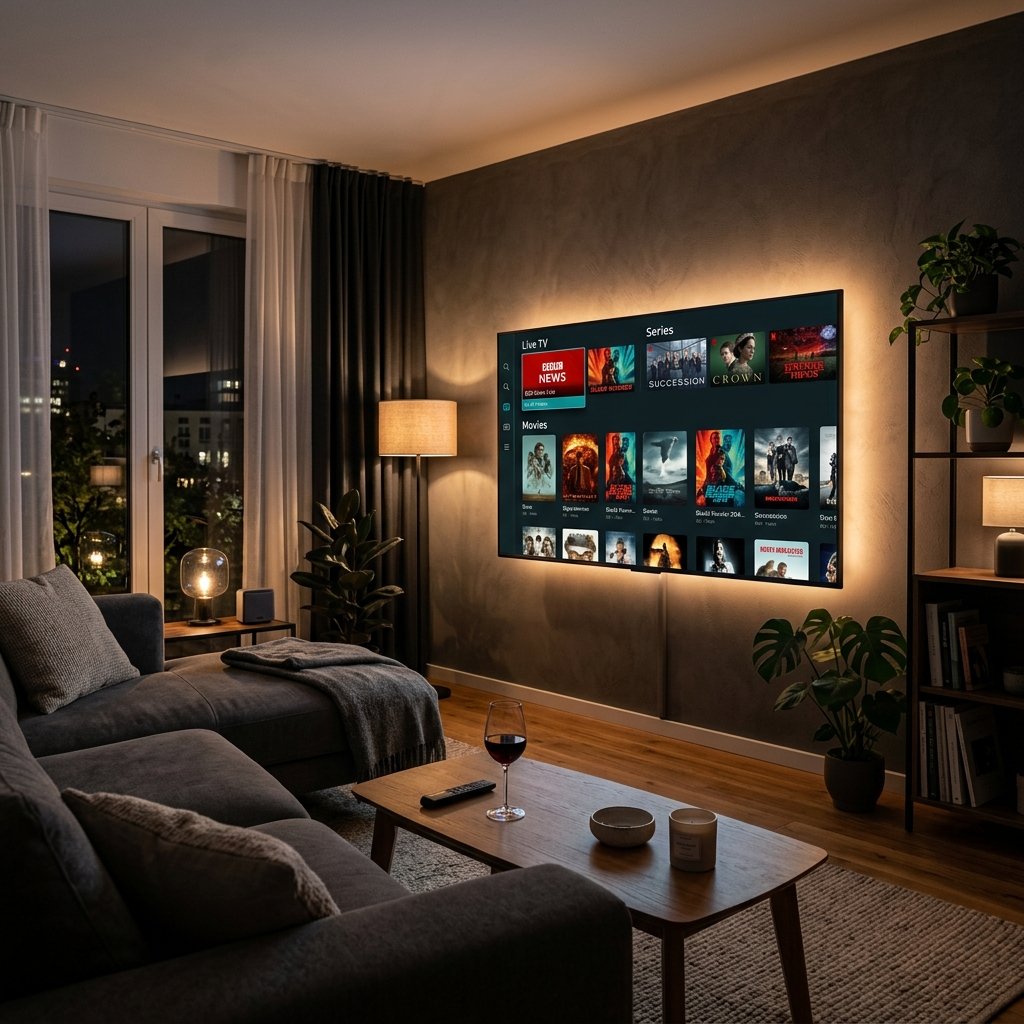
In the rapidly evolving landscape of digital entertainment, traditional cable television is quickly becoming a relic of the past. Viewers worldwide are demanding flexibility, massive content variety, and high-definition quality without the restrictive contracts. If you have already secured a high-quality IPTV subscription, you need the right tool to unlock its full potential. Enter IPTV Smarters Pro, universally recognized as the most popular and user-friendly media player application on the market.
Whether you are trying to cut the cord entirely or simply want a more organized, cinematic way to stream live TV, movies, and series, this application is the gold standard. In this comprehensive 2026 guide, we will walk you through everything you need to know about setting up, configuring, and optimizing IPTV Smarters Pro on any device.
Quick Summary / Key Takeaways:
- IPTV Smarters Pro is a highly customizable media player; it does not host or provide its own content.
- Users must input their own M3U playlist or Xtream Codes API credentials from a third-party subscription.
- The app is widely favored for its integrated Electronic Program Guide (EPG), multi-screen viewing, and built-in parental controls.
- It is globally accessible and easily installed on Firestick, Smart TVs, iOS, Windows, and Android devices.
Table of Contents
What is IPTV Smarters Pro?
IPTV Smarters Pro is a customizable, cross-platform media player application designed to stream live TV, VOD, and series by connecting to a user’s pre-existing IPTV subscription via Xtream Codes or M3U URLs.
Think of it like a highly advanced video engine. You provide the fuel, and the app provides the beautiful dashboard, the TV guide, and the playback controls. It is designed to work flawlessly with almost any modern streaming service, wrapping your content in an interface that rivals major platforms like Netflix or Hulu.
Why IPTV Smarters Pro is the Industry Standard
There are hundreds of generic media players available on app stores, but IPTV Smarters Pro remains the dominant choice for several core reasons:
Intuitive, Cinematic Interface: The layout is sleek, powerful, and easy to navigate. Your Live TV, VOD, and Series are neatly categorized with accompanying poster art and IMDb ratings where supported.
Integrated EPG (Electronic Program Guide): A fully functional TV guide that shows you what is playing now and what is coming up next on your favorite channels, updating dynamically.
Catch-Up TV Support: If your provider supports it, Smarters Pro allows you to easily navigate back in time to watch broadcasts you might have missed over the last few days.
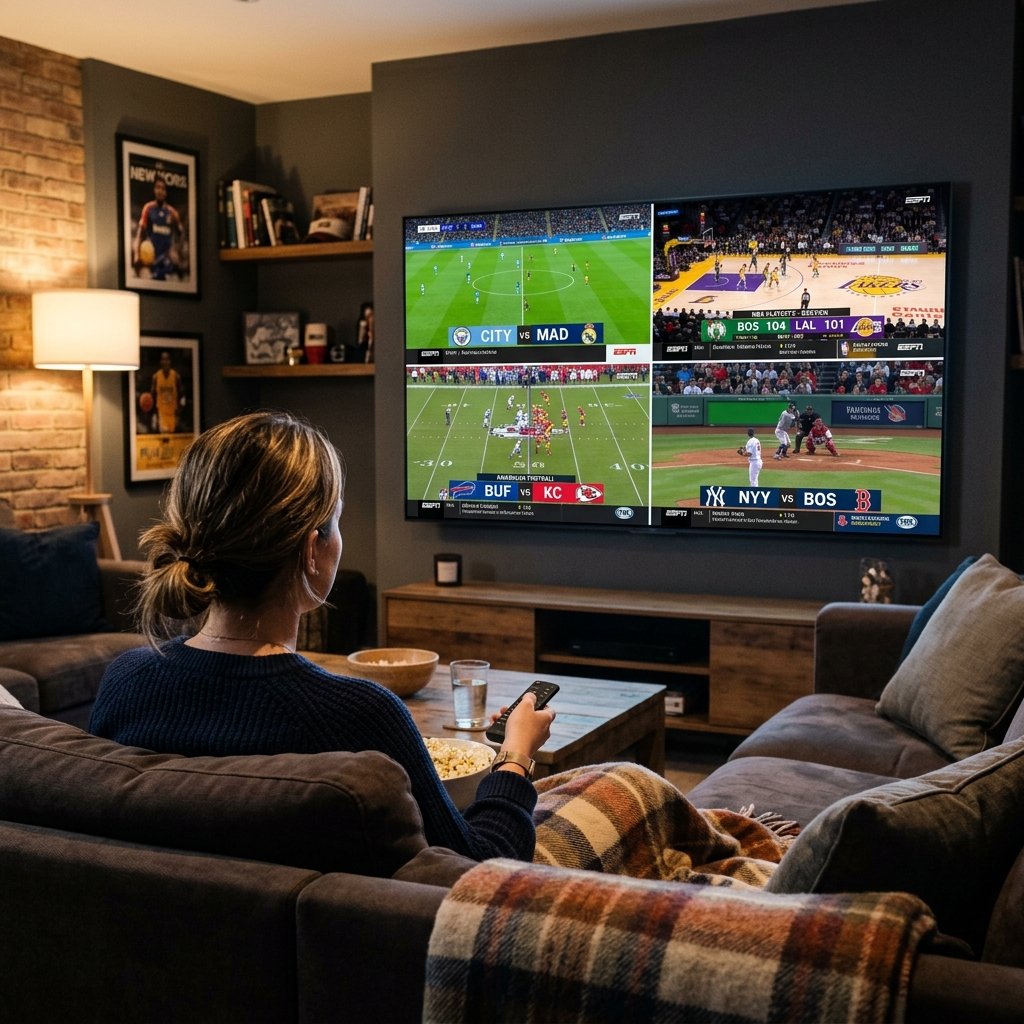
Multi-Screen Capability: A massive selling point for sports fans. The premium feature allows you to watch up to four different live channels simultaneously on one screen.
Robust Parental Controls: A must-have feature for households with children, allowing you to lock mature content or specific channel categories behind a secure PIN code.
Xtream Codes API vs. M3U Playlists
When you purchase a streaming plan, your provider will usually give you two ways to log in. Understanding the difference is crucial for the best experience.
An M3U Playlist is a long, complex URL that links to a massive text file containing every single channel and movie in your package. While it works, it is prone to slow loading times and often struggles to update the TV guide efficiently.
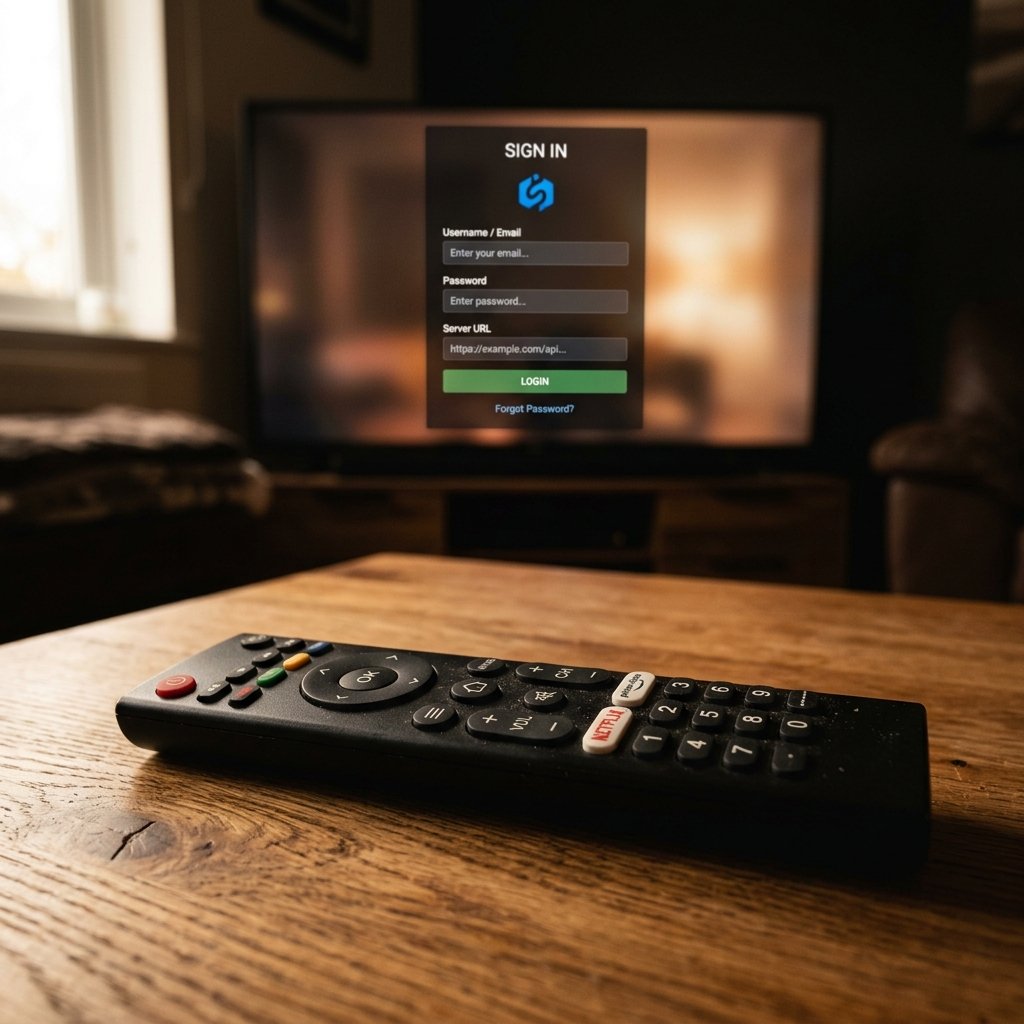
The Xtream Codes API is the modern standard. Instead of a massive link, you are given a simple Username, Password, and a Server URL. IPTV Smarters Pro uses this data to communicate directly with your provider’s database. This results in lightning-fast loading, immediate content updates, and a perfectly synced EPG. We always recommend using the Xtream Codes method.
Step-by-Step Setup Guide for IPTV Smarters Pro
The setup process varies slightly depending on your hardware, but the core steps remain the same. Ensure you have your login details ready before beginning.
1. Setup on Amazon Firestick and Android TV
Because the app is sometimes unavailable in the official Amazon store due to regional restrictions, you may need to side-load it using the reliable “Downloader” method.
Install the Downloader app from the Amazon App Store.
Navigate to your Firestick Settings > My Fire TV > Developer Options, and enable “Install Unknown Apps” for Downloader.
Open Downloader and enter the direct URL to download the official IPTV Smarters Pro APK.
Once installed, open the app, select “Login with Xtream Codes API”.
Enter any profile name, followed by your Username, Password, and Server URL. Click “Add User”.
2. Setup on Samsung and LG Smart TVs
For Tizen (Samsung) and WebOS (LG) televisions, the process is incredibly straightforward. IPTV Smarters Pro is generally available directly within the official LG Content Store or the Samsung App Store. Simply use the search function, install the application, and follow the exact same Xtream Codes login process detailed above.
3. Setup on iOS (iPhone/iPad) and Apple TV
If you are operating within the Apple ecosystem, search the App Store for “Smarters Player Lite”. This is the official version for iOS devices, renamed specifically to comply with Apple’s strict App Store regulations. The interface, features, and setup process are completely identical to the Android Pro version.
Advanced Features and Settings Configuration
To get the absolute best performance out of your application, you should tweak a few settings right out of the gate.
Change the Media Player: Navigate to the app’s settings and look for “Player Selection.” For VOD and Series, the built-in player is fine. However, for Live TV, changing the engine to “Hardware Decoder” or integrating VLC player often results in smoother playback for 4K streams.
Adjust Stream Format: If you are experiencing audio sync issues, changing the stream format from MPEGts to HLS (if your provider supports it) can instantly resolve the lag.
Clear Cache Regularly: Like any heavy application, Smarters Pro builds up cache. Go to settings and hit “Clear Cache” once a month to keep the app running quickly.
Troubleshooting Common Playback Errors
Even with a flawless setup, you may encounter occasional hiccups. Here is how to solve the most common issues:
Authorization Failed / Invalid Details:
This error means the server is rejecting your login. First, double-check for typos, paying special attention to the Server URL (ensure http:// or https:// is correct and there are no trailing spaces). If the details are perfect, your subscription may have expired.
Constant Buffering or Freezing:
Buffering is rarely the app’s fault. It is almost always related to your internet connection. Ensure your device is hardwired via an Ethernet cable rather than relying on Wi-Fi. Additionally, Internet Service Providers (ISPs) frequently throttle streaming traffic. Using a secure VPN can mask your traffic, bypass the ISP throttling, and instantly eliminate buffering.
EPG (TV Guide) Not Loading:
If your guide is blank, go to the app’s main dashboard, select the “Install EPG” or “Refresh EPG” button. If it still fails, your provider’s guide server might be temporarily down.
Elevate Your Viewing Experience
If you are serious about getting the most out of your television experience, settling for a generic, clunky player will not suffice. IPTV Smarters Pro offers the perfect blend of aesthetic appeal, technical robustness, and ease of use. Once you have it installed and configured, you just need the right content to power it. Head over to our subscriptions page to see what true 4K, buffer-free entertainment looks like.
Frequently Asked Questions (FAQ)
Is IPTV Smarters Pro legal to use?
Yes, IPTV Smarters Pro is completely legal. It is a blank media player application that does not host, provide, or broadcast any copyrighted material.
Does the app include live TV channels?
No, the application does not include any live TV channels, movies, or series. Users must have an active subscription from a third-party provider to access content.
How do I log in to IPTV Smarters Pro?
The fastest way to log in is by selecting the “Login with Xtream Codes API” option and entering the Username, Password, and Server URL provided by your streaming service.
Why is IPTV Smarters Pro not on the Google Play Store?
Due to frequent policy changes regarding streaming applications, the app is occasionally removed from the Play Store. However, it can always be safely downloaded directly from the developer’s official website.
Ready to Upgrade Your Streaming?
Stop missing your favorite live events and VODs. Get instant, anti-freeze access to Neo IPTV UK's premium library right now.