
What is IPTV Smarters Pro? It is a leading video streaming player that allows users to stream Live TV, VOD, and Series from service providers using Xtream Codes API or M3U playlists. For the best performance in 2026, pair IPTV Smarters Pro with a Neo IPTV subscription to unlock 4K Ultra HD streams, TV guide integration, and anti-buffer technology on Firestick, Android, and iOS.
Why IPTV Smarters Pro is the #1 Choice for 2026
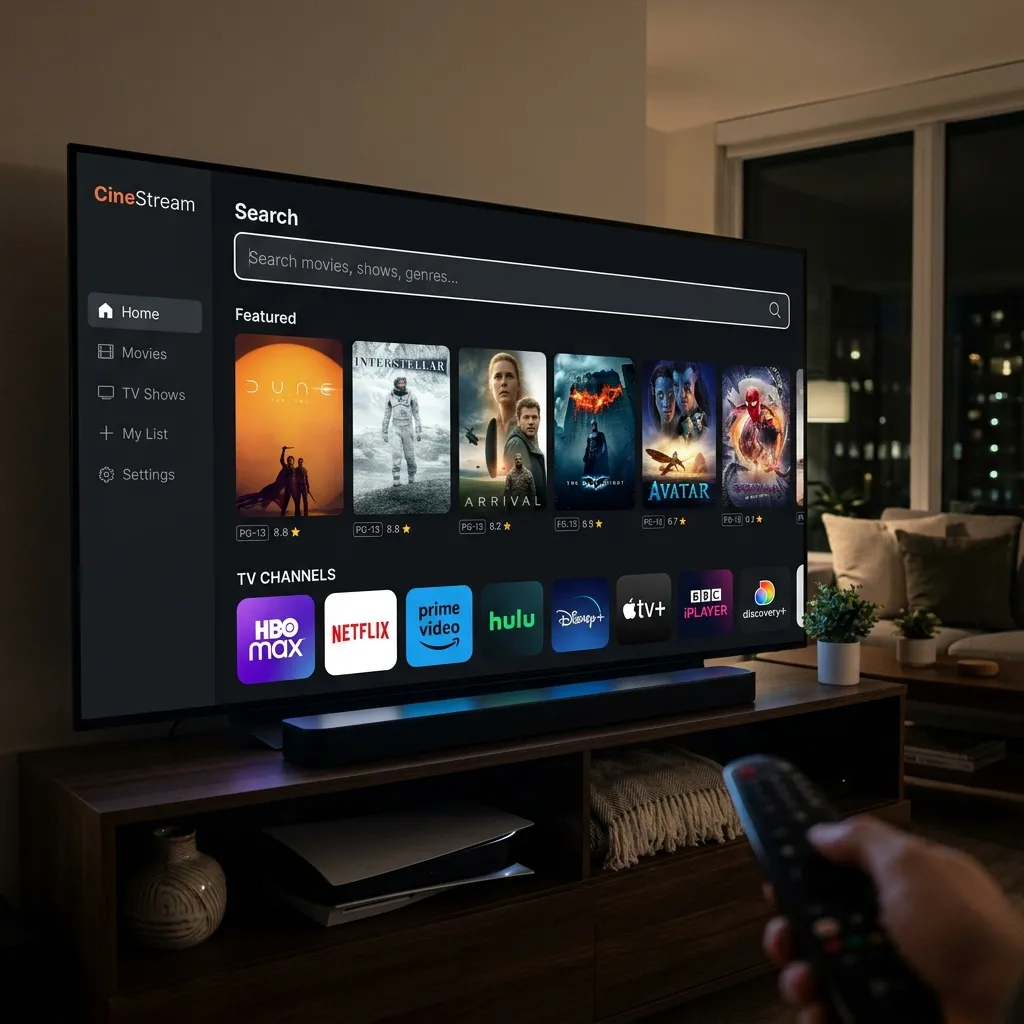
While there are many players available, IPTV Smarters Pro remains the gold standard for Neo IPTV users. In 2026, the app has been optimized for high-bitrate 4K content and features a “Master Search” function that allows you to find channels across multiple categories instantly.
Core Features at a Glance:
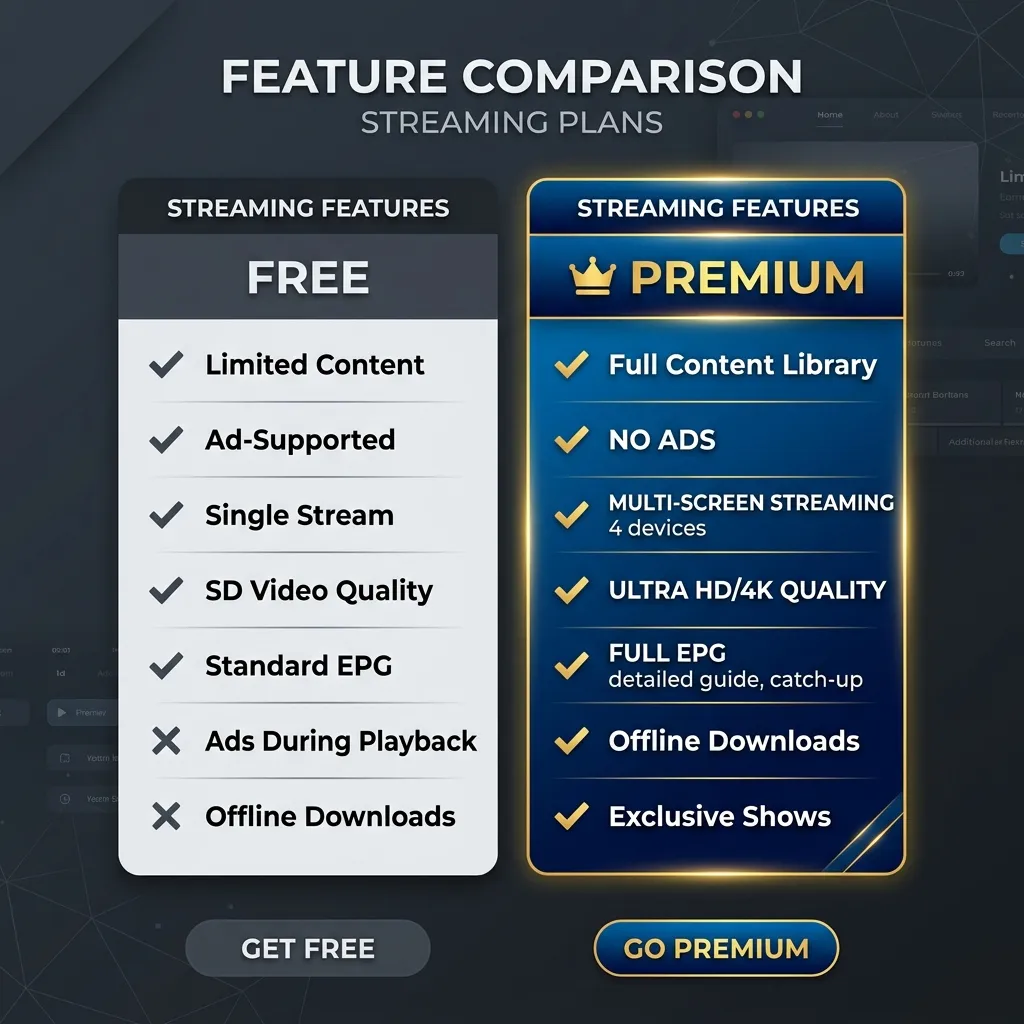
- Multi-Screen Support: Watch up to 4 channels simultaneously (perfect for sports weekends).
- External Player Integration: Easily switch to VLC or MX Player if needed.
- Parental Controls: Lock adult categories or specific folders with a PIN.
- Catch-Up TV: Never miss a show with the built-in 7-day replay feature (server dependent).
How to Set Up IPTV Smarters Pro with Neo IPTV
To get the most out of your IPTV Smarters Pro experience, we recommend using the Xtream Codes API method. This is more stable and faster than traditional M3U links.
Step-by-Step Installation:
- Download the App: Available on the Google Play Store, Apple App Store, or via the “Downloader” app (Code:
250931) for Firestick users. - Open the App: Select “Login with Xtream Codes API.”
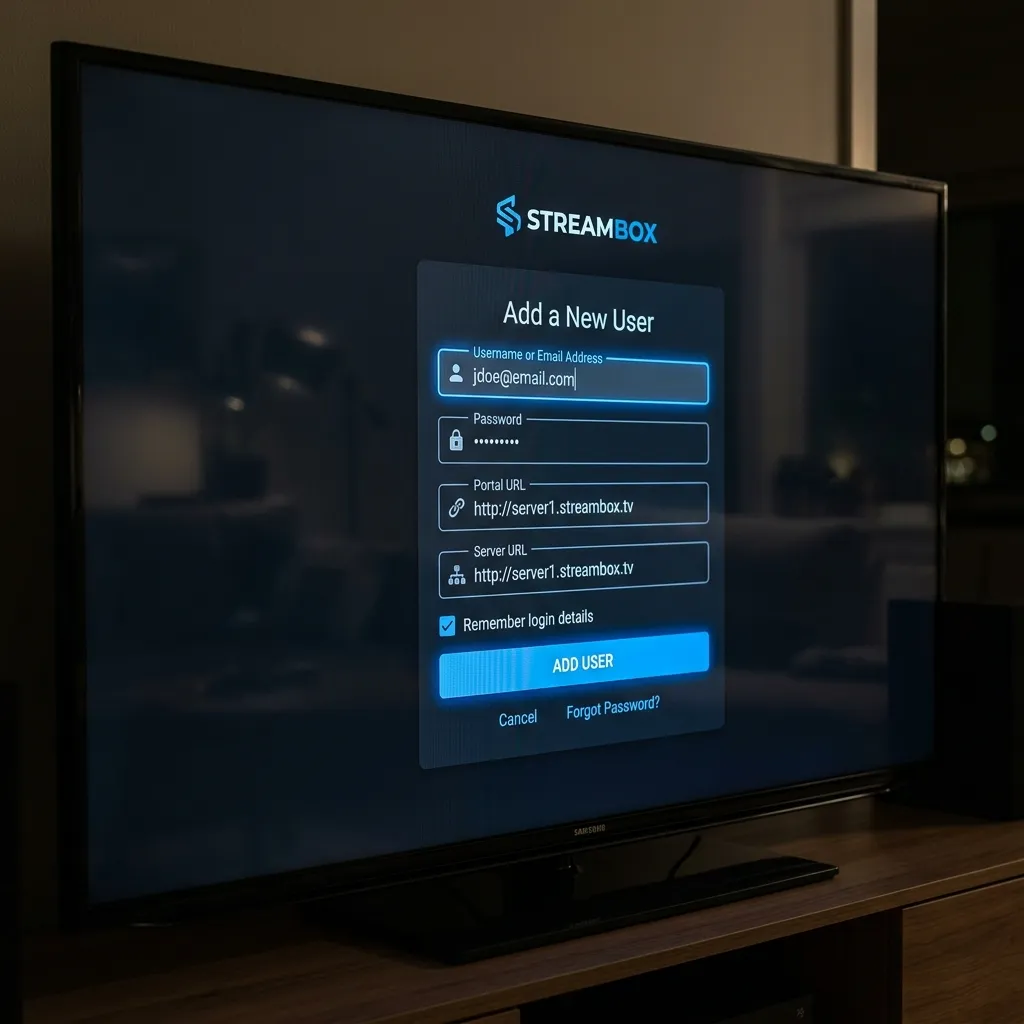
- Enter Your Neo IPTV Credentials:
- Any Name: Neo IPTV Pro
- Username: (Found in your subscription email)
- Password: (Found in your subscription email)
- Server URL:
http://your-server-url:port
- Click “Add User”: Wait for the app to download the TV guide and library metadata.
Fixing Buffering on Smarters Pro
If you are streaming from the UK, Belgium, or the Netherlands, local internet restrictions and ISP throttling can sometimes affect your IPTV Smarters Pro experience, particularly during major events like the Premier League or Champions League.
Pro Tips for 2026:
- Privacy Networks (VPN): Use a private, encrypted connection to bypass local provider blocks in the UK and Benelux regions during live football matches.
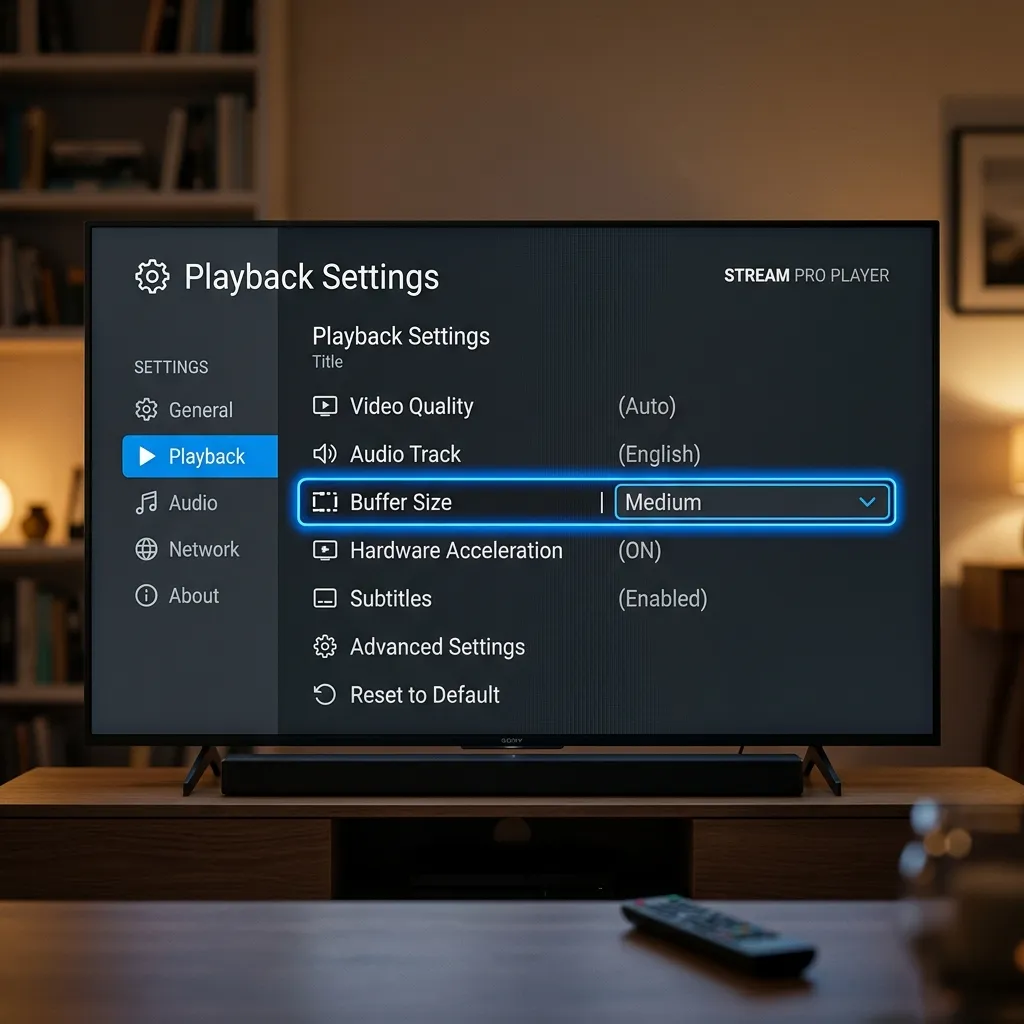
- Buffer Size: Go to
Settings > Player Settingsand change the buffer size to “Small” or “Medium” for faster channel switching. - Hardware: For the smoothest 4K experience, we recommend using dedicated devices like the NVIDIA Shield Pro or Amazon Firestick 4K Max.
Comparison: Free vs. Premium Version
Frequently Asked Questions
Is IPTV Smarters Pro legal?
The app itself is a media player and is 100% legal. To watch content, you must provide your own service from a provider like Neo IPTV.
Does it work on Samsung or LG Smart TVs?
Yes, you can find the “Smarters Player Lite” in the Samsung App Store and LG Content Store.
Why is the TV guide not loading?
Ensure your subscription is active and that you have entered the Server URL exactly as provided. Sometimes, clearing the app cache in your TV settings resolves this immediately, or manually refreshing the EPG within the app.
Ready to Upgrade Your Streaming?
Stop missing your favorite live events and VODs. Get instant, anti-freeze access to Neo IPTV UK's premium library right now.