
Summary
If you are looking to cut the cord on expensive cable bills, testing a new service is the smartest first step. An IPTV free trial allows you to experience 4K streaming, explore massive channel lists, and check server reliability with absolutely zero risk. This guide explains exactly what to look for and how to start your test today.
What is IPTV?
You might be wondering, what is iptv exactly? IPTV stands for Internet Protocol Television. Instead of receiving television programs as broadcast signals through an antenna, satellite dish, or fiber-optic cable, you get them streamed directly over your internet connection. This technology allows providers like Neo IPTV to offer tens of thousands of live channels, movies, and series on demand, accessible from almost any smart device in your home.
The Benefits of an IPTV Free Trial
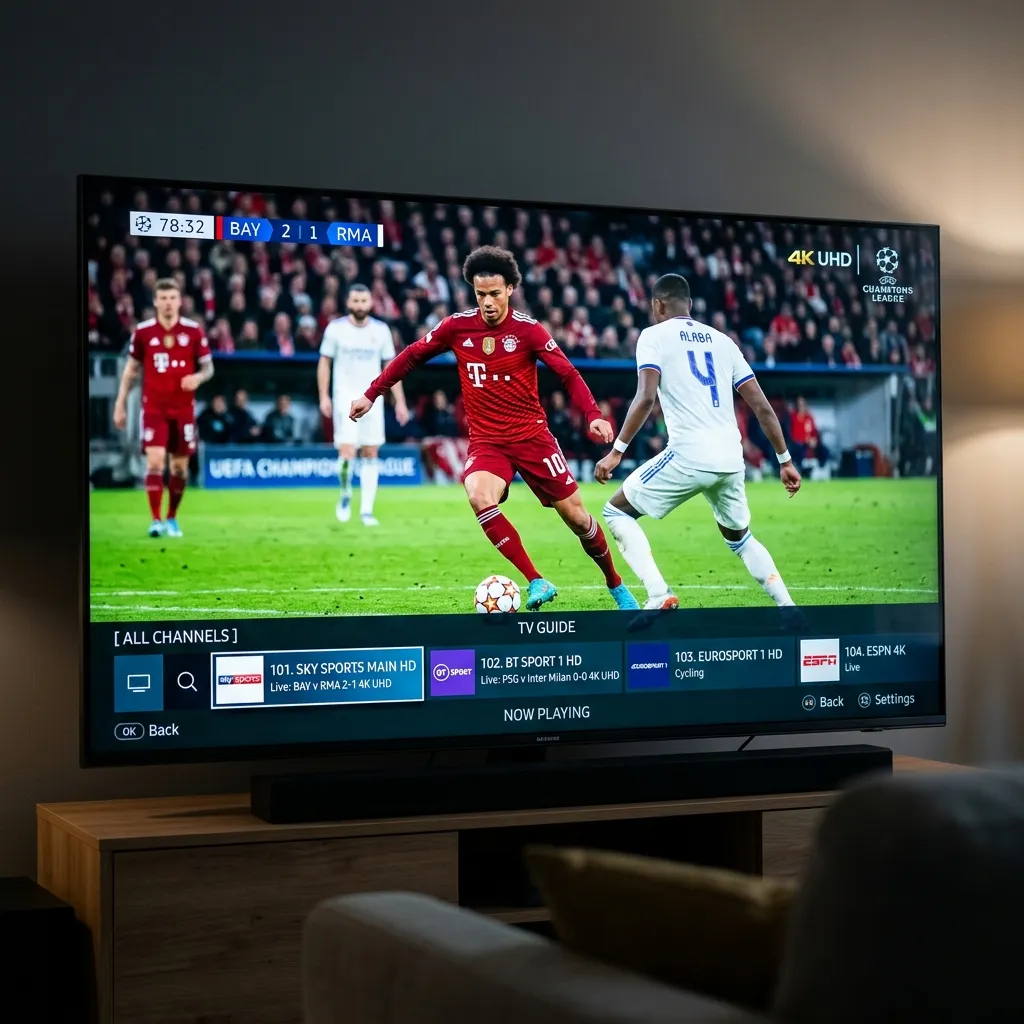
Before committing financially, an IPTV free trial is the perfect way to ensure the service meets your specific needs. Here is what you should test during your trial period:
- Server Stability: Watch a live sports channel during peak hours to check for buffering or freezing.
- Channel Availability: Search for your favorite local networks, international channels, and premium sports packages.
- VOD Library: Browse the Video on Demand section to see if the latest movies and series are updated in high quality with the correct subtitles.
- Device Compatibility: Ensure the service runs smoothly on your preferred hardware, whether that is a Firestick, Smart TV, or Android box.
How to Get IPTV and Start Your Trial
Setting up your trial is a quick process. If you are not sure how to get iptv running on your screen, simply follow these steps:
- Request Your Trial: Visit our contact page or Email Us Directly to request your free trial. You will receive your login details (Username, Password, and Server URL) via email or WhatsApp.
- Download a Player App: Install a reliable media player on your device. We highly recommend IPTV Smarters Pro for the best experience.
- Enter Your Details: Open the app, select the “Login with Xtream Codes API” option, and input the details provided in your welcome message.
- Start Streaming: Once connected, the app will download the TV guide and channel list, and you are ready to watch.

Upgrading to a Full IPTV Subscription
Once your trial expires and you are satisfied with the performance, the next step is choosing a premium IPTV subscription.
Unlike traditional cable contracts, modern IPTV services offer flexible, contract-free plans. You can typically choose between 1-month, 3-month, 6-month, or 12-month packages. Opting for a longer-term package usually provides the best value, dropping the monthly cost significantly while keeping you connected to 4K entertainment all year round.
Ready to Upgrade Your Streaming?
Stop missing your favorite live events and VODs. Get instant, anti-freeze access to Neo IPTV UK's premium library right now.